START WITH THE RIGHT TASKMake the web work
a little more your way.
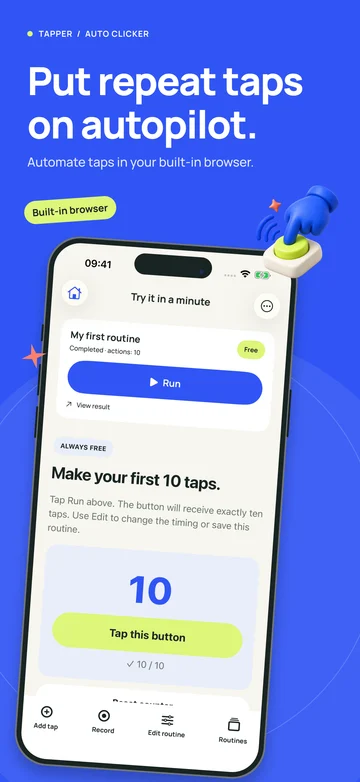
Tapper is an iPhone auto clicker for supported webpages. Start by identifying the part of your task that repeats: a tap, a scroll, a page reload, or a short sequence. Then choose a guide or article that answers that specific question.
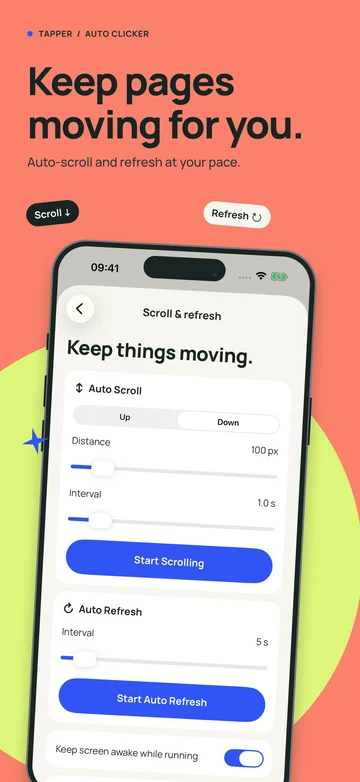
A good routine has a clear starting state and a result you can recognize. It might move a practice counter, bring the next paragraph into view, or reload a page at an interval you choose. Begin with one short run, check what happened, and adjust one setting at a time.
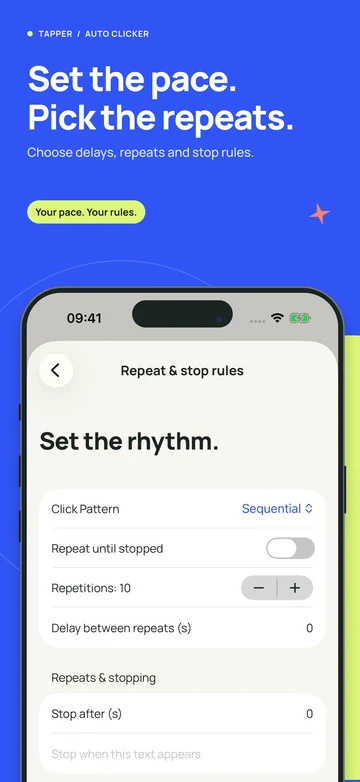
The guides cover setup from beginning to end. The journal explores the decisions that make those setups more useful: how fast to tap, when a page needs a wait, why a target moves, and how to decide whether a paid feature fits your task. Each topic links to related explanations so you can go deeper where it helps.
Remember that supported web automation has a specific scope. Tapper does not control unrelated native iPhone apps, guarantee that every website accepts automated actions, or turn your phone into an unattended background service. Those boundaries are part of choosing a setup that can actually help.
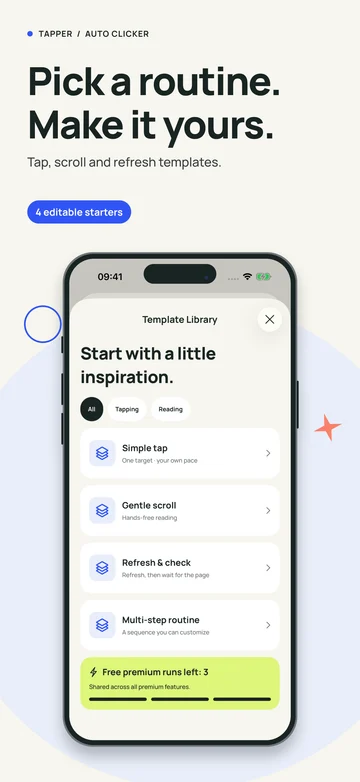
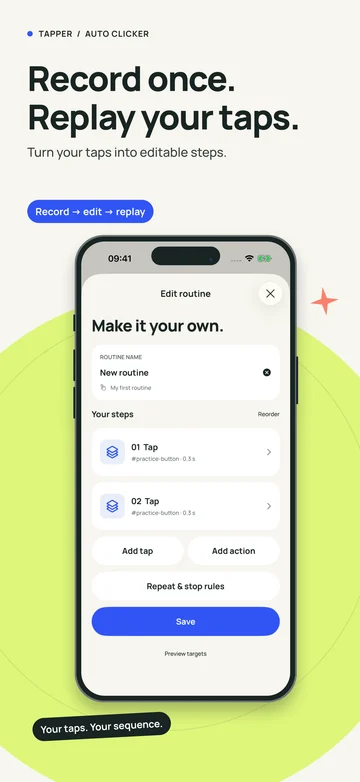
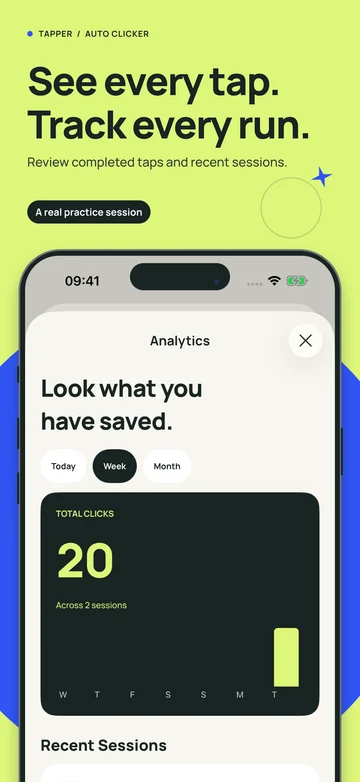
The product screens and detailed editor instructions preview the upcoming 1.0.6 update. Check the installed version and current in-app terms when trying a feature. The official iPhone listing is available now; Android is coming soon and has no announced launch date.
Find your setup guide